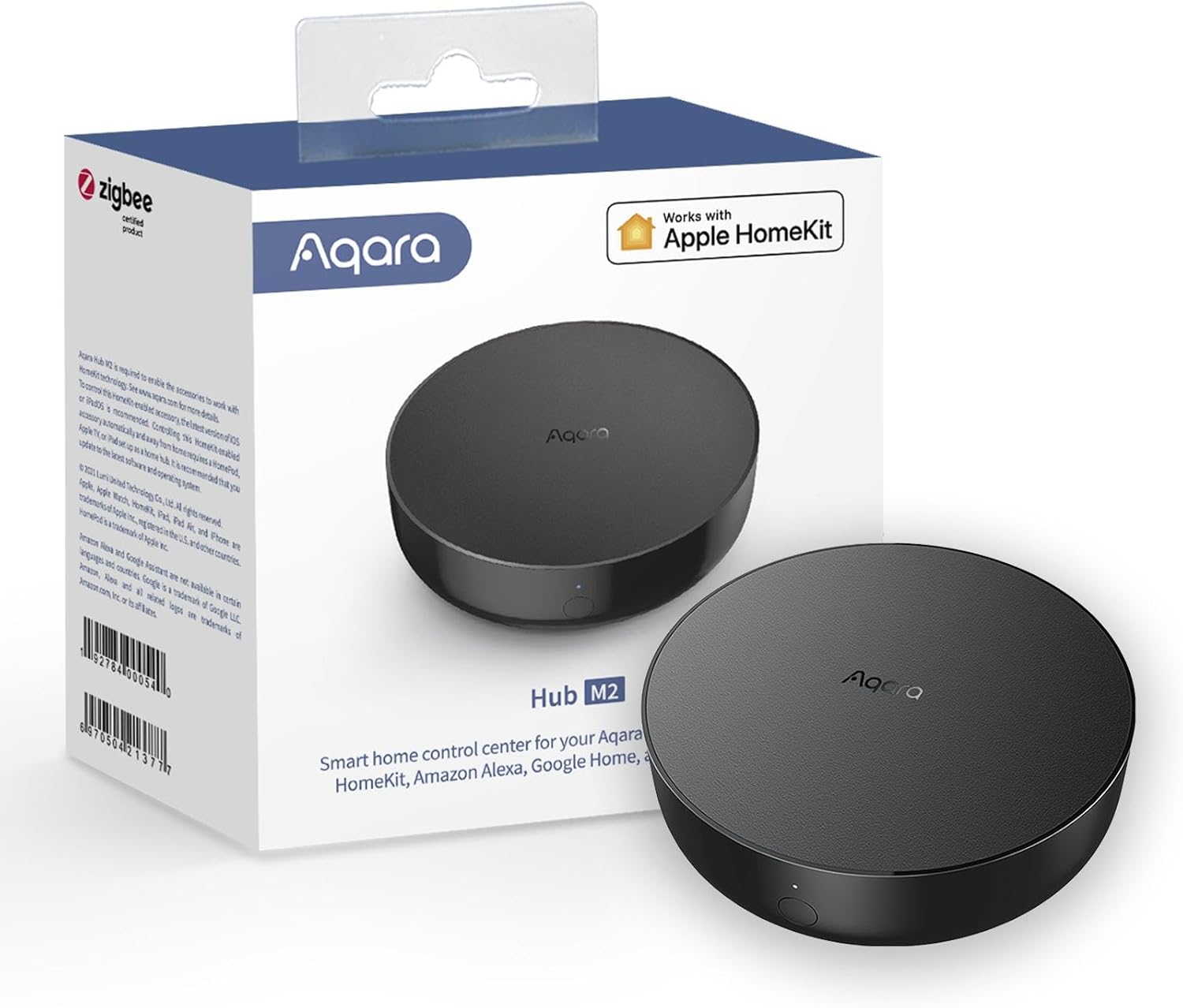
Building a truly smart home isn’t just about buying smart bulbs or sensors—it’s about having a reliable central hub that connects everything smoothly. That’s exactly where the Aqara Smart Hub M2 (2.4 GHz Wi-Fi Required) shines. Designed as a smart home bridge, alarm system controller, and IR remote hub, the Aqara Hub M2 acts as the command center for your home automation setup, Aqara Smart Hub.
In this in-depth review, we’ll explore what makes the Aqara Smart Hub M2 a standout choice for modern smart homes, how it improves automation, and why it’s a smart investment for beginners and advanced users alike.
What Is the Aqara Smart Hub M2?
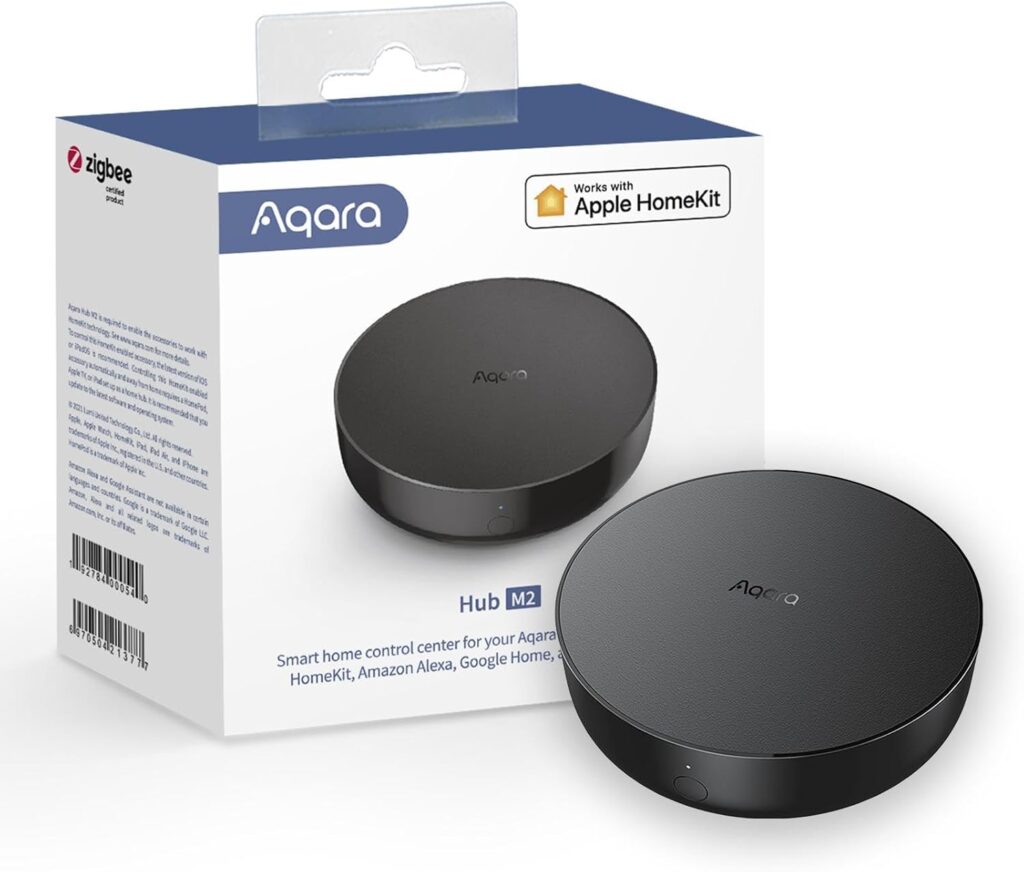
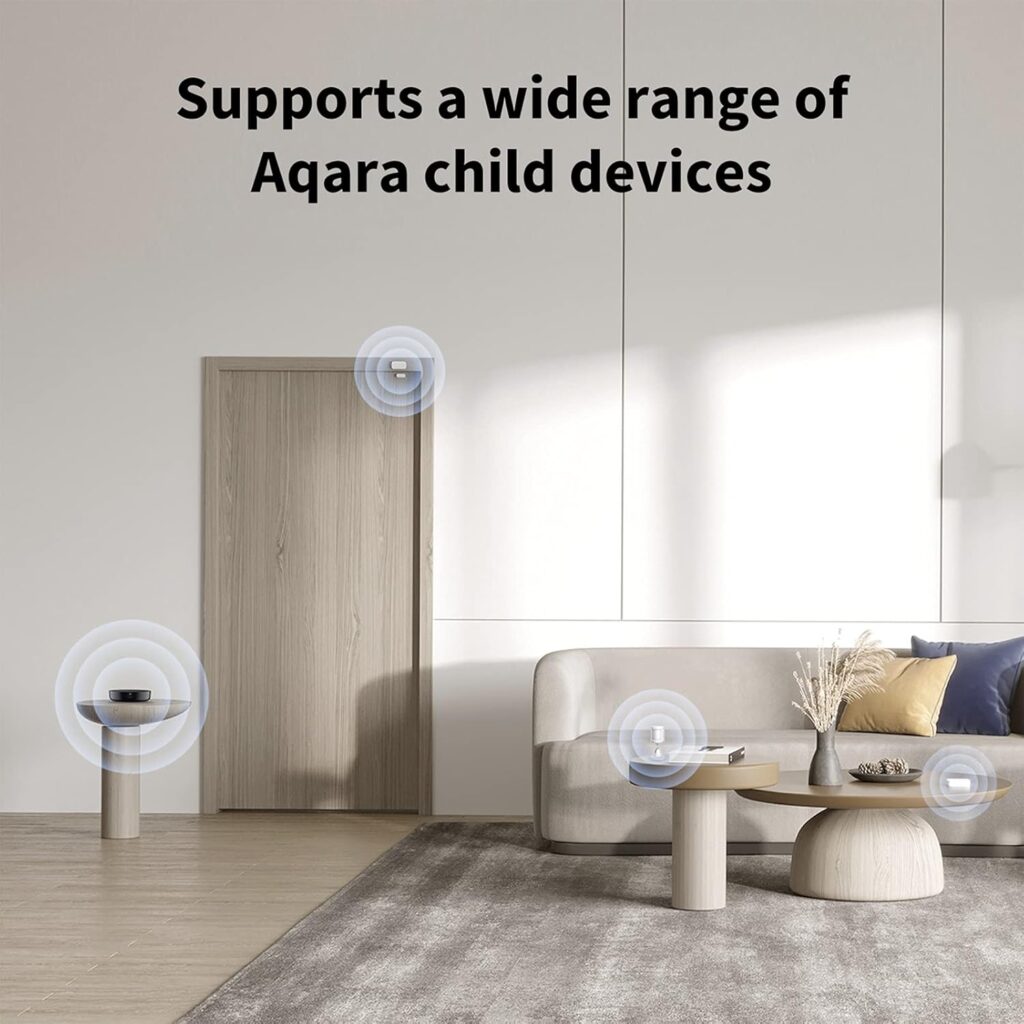
The Aqara Smart Hub M2 is a next-generation smart home bridge that connects Aqara Zigbee devices to your home network. It enables automation, remote control, alarm systems, and voice assistant integration—all from one compact device.
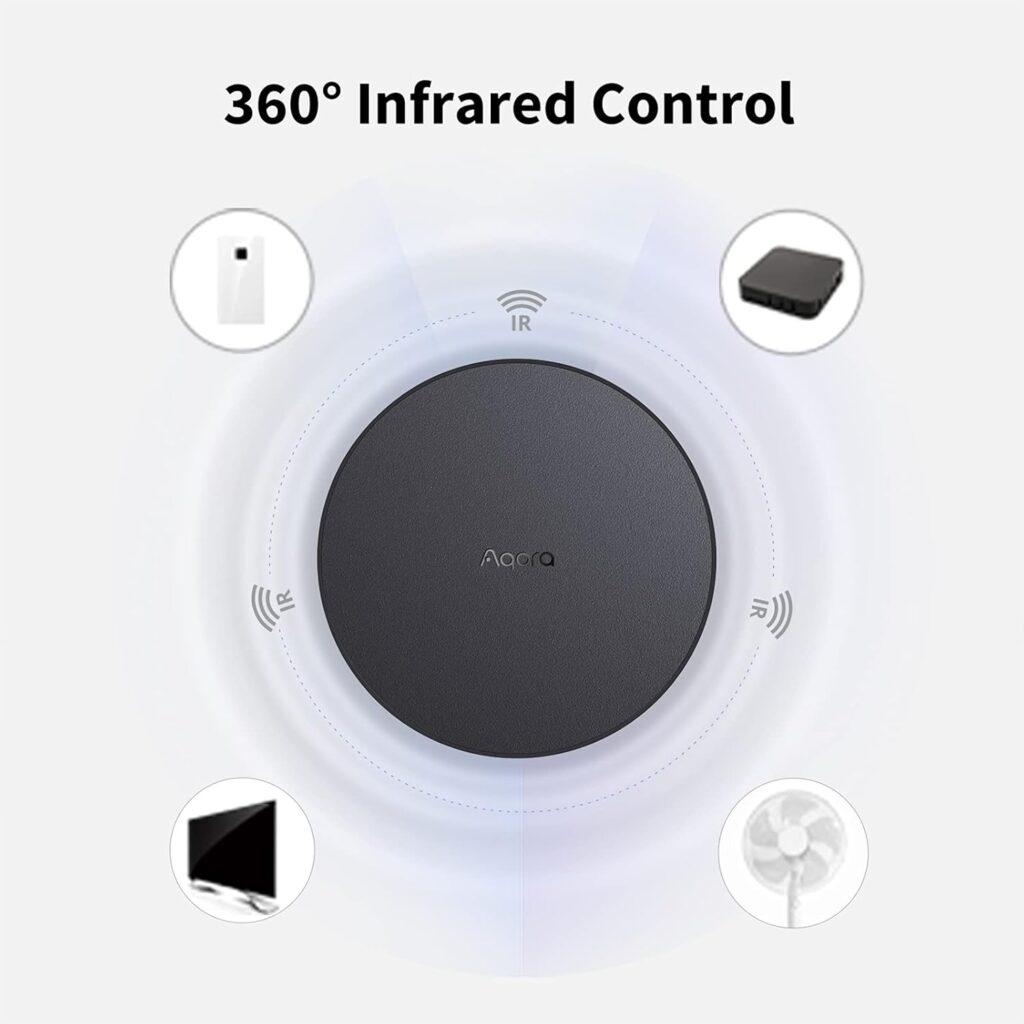
Unlike basic hubs, the M2 adds IR (infrared) remote control functionality, allowing you to control traditional appliances like TVs, air conditioners, and fans. This makes it a hybrid solution that bridges both smart and non-smart devices into one ecosystem.
Key Features at a Glance
- 2.4 GHz Wi-Fi connectivity
- Zigbee 3.0 support for fast and stable device connections
- Built-in speaker for alarm and notifications
- IR blaster to control legacy appliances
- Wired Ethernet (RJ45) option for enhanced stability
- Local automation support
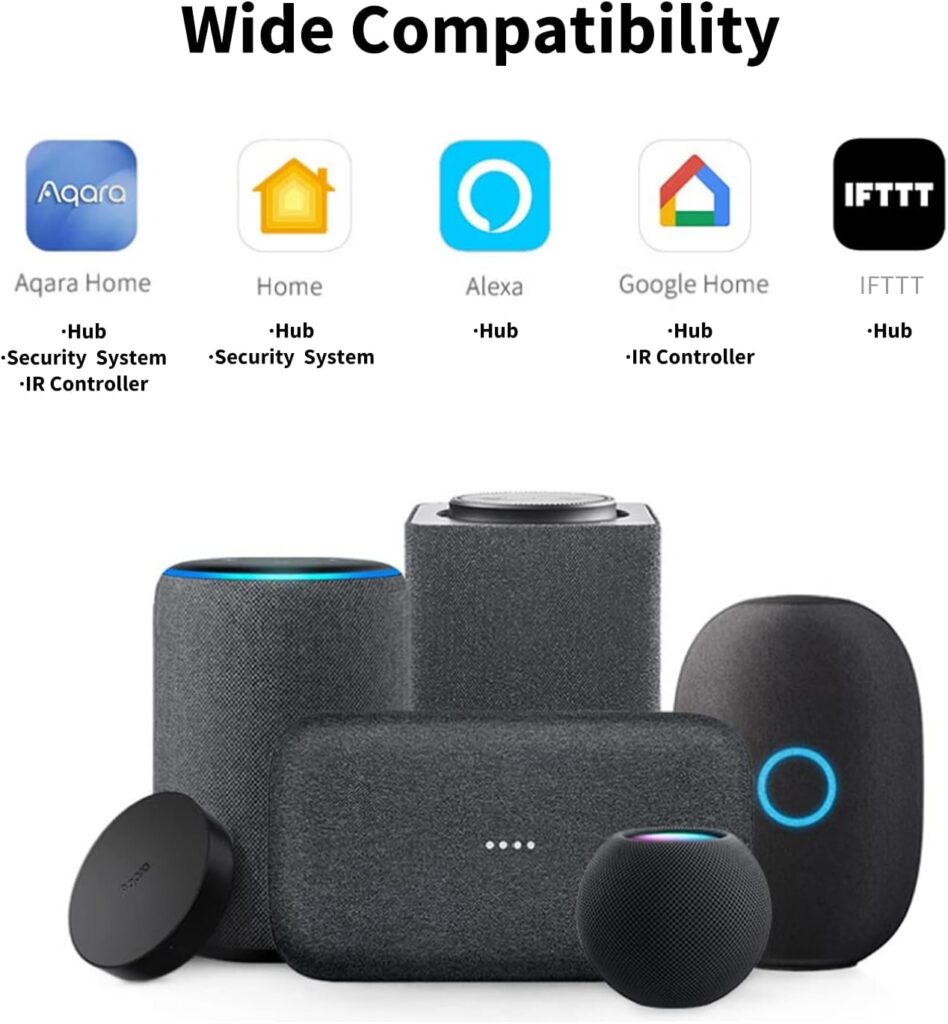
- Compatible with Apple HomeKit, Alexa, and Google Assistant
This feature set makes the Aqara Hub M2 more than just a bridge—it’s a smart home powerhouse.
Stable Connectivity with 2.4 GHz Wi-Fi & Ethernet
The Aqara Smart Hub M2 requires 2.4 GHz Wi-Fi, which is standard for most smart home devices due to its better range and wall penetration. For users who prefer maximum reliability, the hub also includes a wired Ethernet port—a major upgrade over older Aqara hubs.
Why this matters:
- Reduced latency
- More stable automation routines
- Reliable performance even in large homes
- Ideal for security and alarm systems
This dual connectivity option makes the M2 suitable for both apartments and multi-story homes.
Zigbee 3.0: Faster, Smarter, More Reliable
The hub uses Zigbee 3.0, one of the most reliable smart home protocols available. Zigbee devices create a mesh network, meaning every connected device strengthens the system.
Benefits of Zigbee 3.0:
- Low power consumption
- Faster response times
- Increased device stability
- Supports dozens of Aqara accessories
From motion sensors and door/window sensors to smart switches and water leak detectors, the Hub M2 handles them all effortlessly.
Built-In Alarm System & Speaker
Security is where the Aqara Smart Hub M2 truly excels. The hub features a built-in speaker that works as a central alarm for your smart home security system.
You can:
- Trigger alarms when motion is detected
- Get alerts when doors or windows open
- Set automation for home, away, or night modes
- Customize alert sounds and volume
When paired with Aqara sensors, the hub transforms into a fully functional home alarm system—no monthly subscription required.
IR Remote Control: Control Non-Smart Devices
One of the standout features of the Aqara Hub M2 is its IR remote control capability. This allows the hub to control traditional appliances that use infrared remotes.
Supported devices include:
- TVs
- Air conditioners
- Fans
- Sound systems
You can create automations like:
- Turn on the AC when the temperature rises
- Power off the TV when no motion is detected
- Control appliances via voice assistants
This feature alone makes the Hub M2 incredibly versatile compared to many competing smart hubs.
Seamless Home Automation
With the Aqara Home app, setting up automation is intuitive and flexible. You can create rules based on time, sensor triggers, or environmental conditions.
Example automations:
- Lights turn on when motion is detected
- Alarm activates automatically when you leave home
- Air conditioner turns off when a window opens
- Night mode activates after a certain hour
The hub supports local automation, meaning many actions continue working even if your internet goes down.
Voice Assistant & Smart Ecosystem Support
The Aqara Smart Hub M2 works seamlessly with popular smart home platforms:
- Apple HomeKit
- Amazon Alexa
- Google Assistant
This allows you to control devices using voice commands, integrate them into existing smart ecosystems, and manage everything from a single interface.
For Apple users, HomeKit compatibility is a huge advantage, offering enhanced privacy and smooth integration with iOS devices.
Simple Setup & Clean Design
Setting up the Aqara Hub M2 is straightforward:
- Plug in the hub
- Connect via the Aqara Home app
- Pair devices with a few taps
The hub features a minimal, modern design that blends into any room. Unlike bulky hubs, it’s subtle enough to sit on a shelf, desk, or entertainment unit without drawing attention.
Pros & Cons
Pros
✔ Supports Zigbee 3.0
✔ Built-in alarm speaker
✔ IR remote control feature
✔ Ethernet and Wi-Fi connectivity
✔ Voice assistant compatibility
✔ No subscription required
Cons
✘ Requires 2.4 GHz Wi-Fi
✘ Works best within the Aqara ecosystem
Who Should Buy the Aqara Smart Hub M2?
The Aqara Smart Hub M2 is ideal for:
- Smart home beginners
- Home security enthusiasts
- Apple HomeKit users
- Users with both smart and non-smart appliances
- Anyone looking for stable, local automation
If you want a reliable, expandable, and future-proof smart home hub, the M2 is an excellent choice.
Final Thoughts
The Aqara Smart Hub M2 isn’t just a bridge—it’s the central brain of a smarter, safer, and more automated home. With Zigbee 3.0, IR remote control, alarm functionality, and broad ecosystem support, it delivers exceptional value without recurring fees.
Whether you’re starting your smart home journey or upgrading from an older hub, the Aqara Smart Hub M2 is a smart move that brings everything together—efficiently and intelligently.